LIVE WEBINAR | THURSDAY, JAN. 15TH | 1PM EST | 10AM PST

The Great Plains Migration Roadmap for Nonprofits

How to Prepare, Evaluate, and Modernize Before the End-of-Life Deadline

An estimated 17,000 organizations will still be on Great Plains when the end-of-life date arrives in 2029. Join nonprofit ERP experts—including former nonprofit finance leaders—at our live webinar to learn exactly what that means for your organization.

In this 60-minute live session, we'll cover:

  • The specific security and operational risks Great Plains creates as it reaches end-of-life
  • The best path forward if you want to stay in the Microsoft ecosystem
  • A practical 12-month migration roadmap that you can follow in 2026 (spoiler: actually choosing your next ERP doesn't happen until month 7)
  • Real-life examples of improved operations from nonprofits that have already made the switch
  • A mini-demo of specific capabilities you should expect from a modern cloud ERP

Save Your Spot for the Webinar

From Great Plains to Greater Possibilities.

Great Plains has served nonprofits and public sector organizations well for decades, but its lifecycle is coming to an end. 

Microsoft has announced that Great Plains will reach end-of-life in 2029, with security patches ending in early 2031. 

It may seem like there is still plenty of time to plan your next move, but nonprofits are especially vulnerable to the effects of waiting too long.

Organizations that use public funding are subject to more scrutiny around how they spend those funds than for-profit businesses; as a result, those without modern, integrated reporting tools are already behind and at risk.

And, since most ERPs are built for for-profit businesses, the capacity of specialized vendors to help implement nonprofit-specific ERP will be more and more limited as the EOL date approaches.

But along with the risk, there is significant opportunity on the horizon for nonprofits that are still using Great Plains.

What You'll Learn

In this interactive session, nonprofit experts—including former nonprofit finance leaders and CIOs—will explain exactly what the end-of-life and end-of-support dates mean, break down what you'll see on the user side, and cover the real risks of waiting too long to migrate.

You’ll learn:

  • Where the cracks will start to show in Great Plains even before the sunset date

  • How to modernize without moving away from the familiar and secure Microsoft ecosystem
  • How threat actors are preparing to take advantage of organizations stuck on legacy ERP
  • How to make sure you get a nonprofit-specific replacement for Great Plains when the time comes
  • What a successful 12-month migration roadmap looks like, broken down by month

About Our Speakers

  • Rectangle 284

    Gary Servius

    Gary (2) (3)

    Account Executive at Sparkrock

    Gary brings over 15 years of experience working with nonprofit and human services organizations, with deep expertise in ERP systems and digital transformation. His background includes supporting nonprofits through complex system transitions and aligning tools with strategic goals.​

  • Rectangle 284

    Kinley Graham

    Kinley Graham (1)

    Director of Pre-Sales at Sparkrock

    Kinley is a former nonprofit Director of Finance and served as CIO for a disability care organization in Ontario.  Today, Kinley is passionate about helping finance leaders find the right cloud ERP software—a challenge he has experienced firsthand.  

  • Rectangle 284

    Wendy Brown

    Wendy-Headshot

    Solution Consultant at Sparkrock

    Wendy has over 20 years of experience helping K–12 and mission-driven organizations modernize operations. She guides school boards & nonprofits through digital transformations, moving from paper-based workflows to integrated, cloud-based ERP solutions. 

Built for Clarity. Backed by Microsoft.

Learn More About Sparkrock

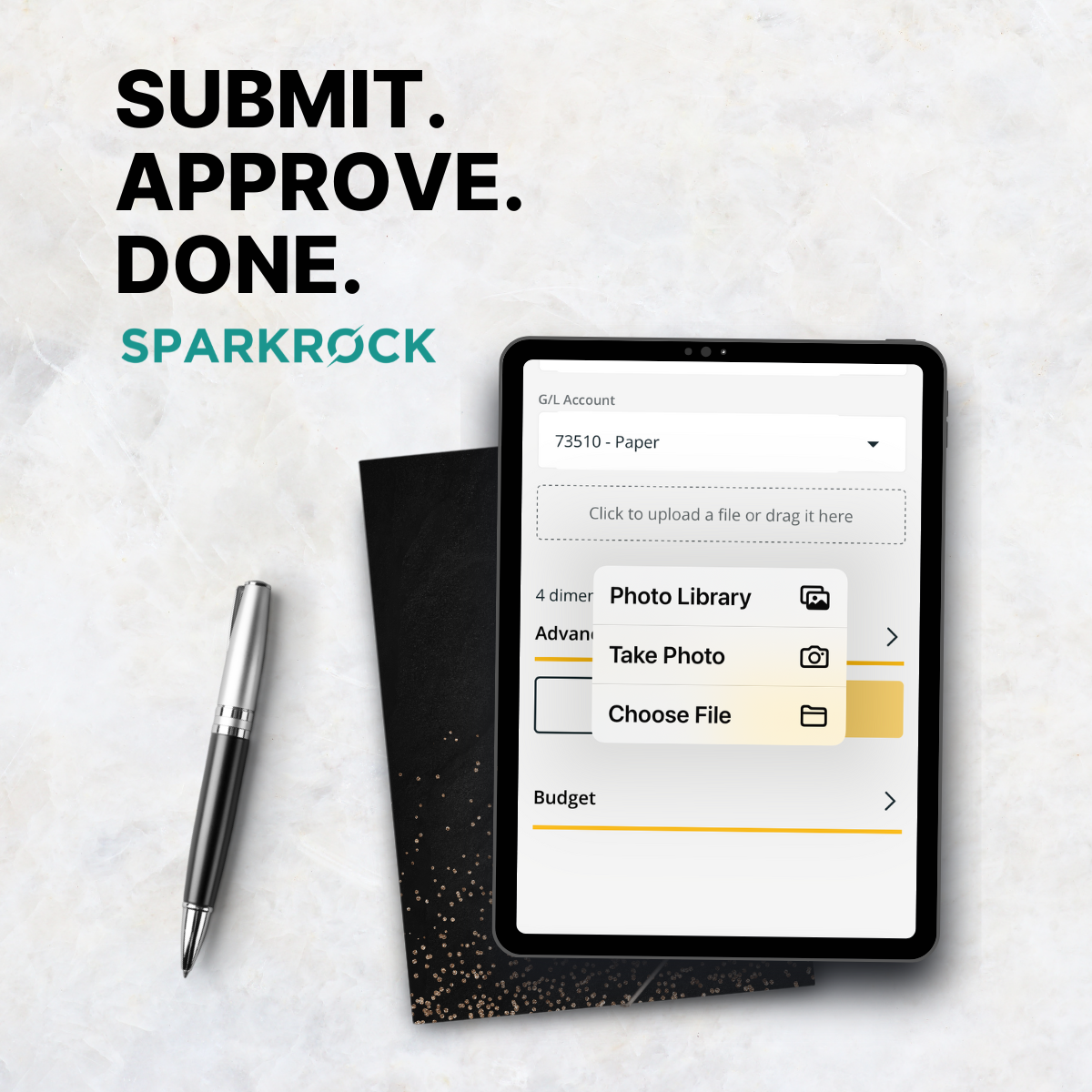
See how mission-driven organizations are gaining control of their budgets, automating manual tasks, and reporting with confidence through Sparkrock — the cloud ERP built on Microsoft Dynamics 365 Business Central.

With finance, payroll, and HR connected in one system, your team can focus less on reconciliation and more on results.

Watch the Finance Demo
General Post to Share On Demand Webinar Link 4_

Why Organizations Trust Microsoft

With Sparkrock, you get the reliability and scale of Microsoft’s cloud platform combined with ERP features built specifically for nonprofits. Our team includes former nonprofit and education leaders, so we understand the day-to-day realities and design the product to support them.

  • Microsoft 4 Coloured Square Logo

    Cloud-Ready

    Stay current with a system that updates regularly and grows with you.
  • Microsoft 4 Coloured Square Logo

    Works with Tools You Already Use

    Connect easily to Outlook, Excel, Teams, and other Microsoft 365 apps. 
  • Microsoft 4 Coloured Square Logo

    AI That Saves Time

    Microsoft Copilot helps automate tasks, summarize data, and support better decisions. 
  • Microsoft 4 Coloured Square Logo

    Security You Can Count On

    Your data is protected by Microsoft’s trusted global cloud infrastructure.
Microsoft powers the infrastructure. Sparkrock powers your mission.

Read Our Success Stories

  • Special Education Happy Class

    Action Group

    Learn how Action Group eliminated 600 handwritten timesheets every two weeks. Payroll is now digital, and the team has reallocated the equivalent of 1.5 full-time roles to higher-impact work.
    Read their story
  • DSBN-Success-Story-1

    District School Board of Niagara

    Learn how this school board went fully paperless with Sparkrock—eliminating 50 filing cabinets and improving access, reporting, and efficiency.
    Read their story
  • district-of-nipissing-social-services-administration-board

    District of Nipissing Social Services Administration Board

    Learn how DNSSAB eliminated manual workarounds, saved $50K annually, and delivers real-time reports that once took weeks—in just two days.
    Read their story